Welcome to PubliiBook
I'd rather run software in the Cloud. But I've no idea how to do this with Publii. And I desperately want to see if Publii is the right CMS for me.
I thought my CMS needs were so simple that I didn't need a CMS. But that's a topic for another day. So for now, I just want to explain how I got to this point. Then I can assess if there's an easier way to run Publii on ChromeBook.
Installing Publii on Chromebook
I already had Linux enabled so that I could use Brave browser - another topic for later. So starting from the Brave browser, I navigated to the Publii Download Page. Then I...
- Downloaded the Linux package: Publii.AppImage
- In Linux terminal
sudo apt-get updatecd Downloadschmod +x Publii-0.38.2.AppImagesudo apt-get install -y libsecret-1-0./Publii-0.38.2.AppImage
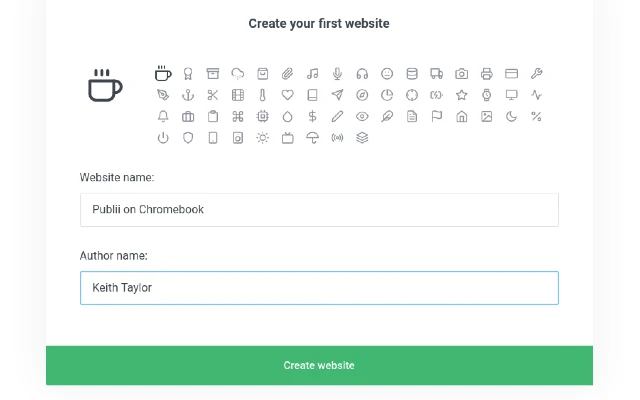
- Created this website and added this first post
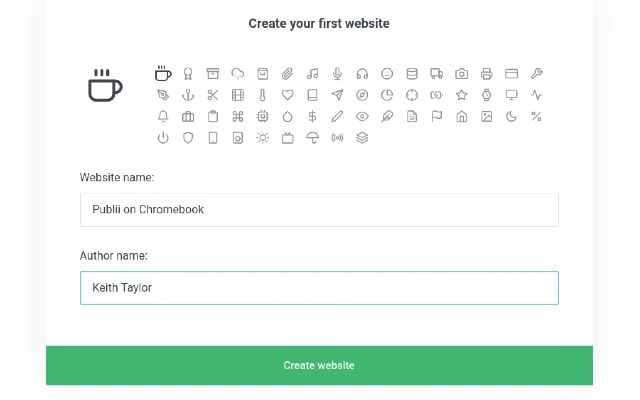
This page is the result. So now I'll continue to explore Publii and establish new workflows for site creation and maintenance.
Assuming I can deploy this??!
Leave Welcome to PubliiBook to read PubliiBook Home Page
Welcome to PubliiBook Comments
PubliiBook visitor responses and associated research include:
Publii Deployment Failed
Obviously, I eventually deployed this website. But the installation routine above is incomplete. Because my first deployment attempt produced the unhelpful error message:
Publii cannot save settings as no safe password storage software is installed. Follow the installation instructions for Node Keytar via https://github.com/atom/node-keytar/ and try again. Most likely the libsecret-1-dev and gnome-keyring packages are missing from your system.
My only option was to click the single alert button option "OK, I understand". But, I didn't understand. Beyond realizing I was being forced further into the murky world of installing apps. After tinkering and blundering about in Linux terminal, I got it working. So I will explain my workaround in a later post. But the real issue here is "Why can't I run Publii in the Cloud?"